Get it *NEXT DAY - Order Deadline
--
HRS
:
--
MINS
:
--
SECS
*Monday - Friday (Orders must be placed before 12pm)

Sign In Or Create an account. You can use your Microsoft or Google account for easy login.

Once signed in your you can upload your own Gang Sheets upto 300MB

The system will upload your file check for Virus and attempt to detect the size.

If you feel the size is incorrect select the correct length of the Gang Sheet with the + buttons.

Then choose your delivery type and pay for you Order.

Once Paid you will be able to see your orders in My Orders — DTF Gang Sheet Platform
Upload Your Gang Sheet

Upload your artwork quickly and securely using this form—no need for emails or attachments. Your files are uploaded directly to our servers, automatically scanned for viruses, and made available to our team for seamless transfer into our RIP printing system.

Upload Your File

Click or drag to upload · JPG, PNG, PDF · Max 300MB

*PRESSING GUIDELINES

*These instructions are a general guide as some heat presses will produce different results. (Please adjust according to the manufacturers guidelines)

PLEASE NOTE: Cover Print with a Teflon or Wax sheet for 1st & 2nd press.

When peeling the DTF transfer it must be peeled carefully as a hot peel. (Some material may require cold peel – make sure you test)

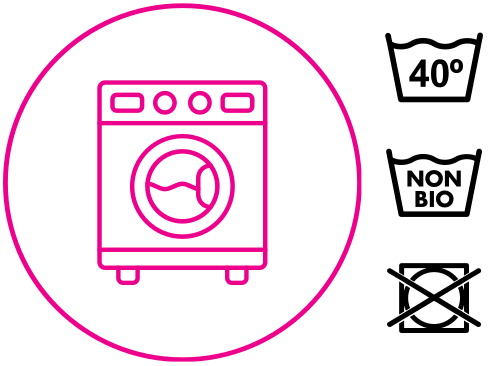
WASHING INSTRUCTIONS
  • Turn inside out (So print is inside of the garment)
  • Wash at max 40 temp.
  • Do not tumble dry.
  • Use non bio powder/liquid
  • Do not use fabric conditioner
  • Use a cool iron inside-out. Don’t iron the print.

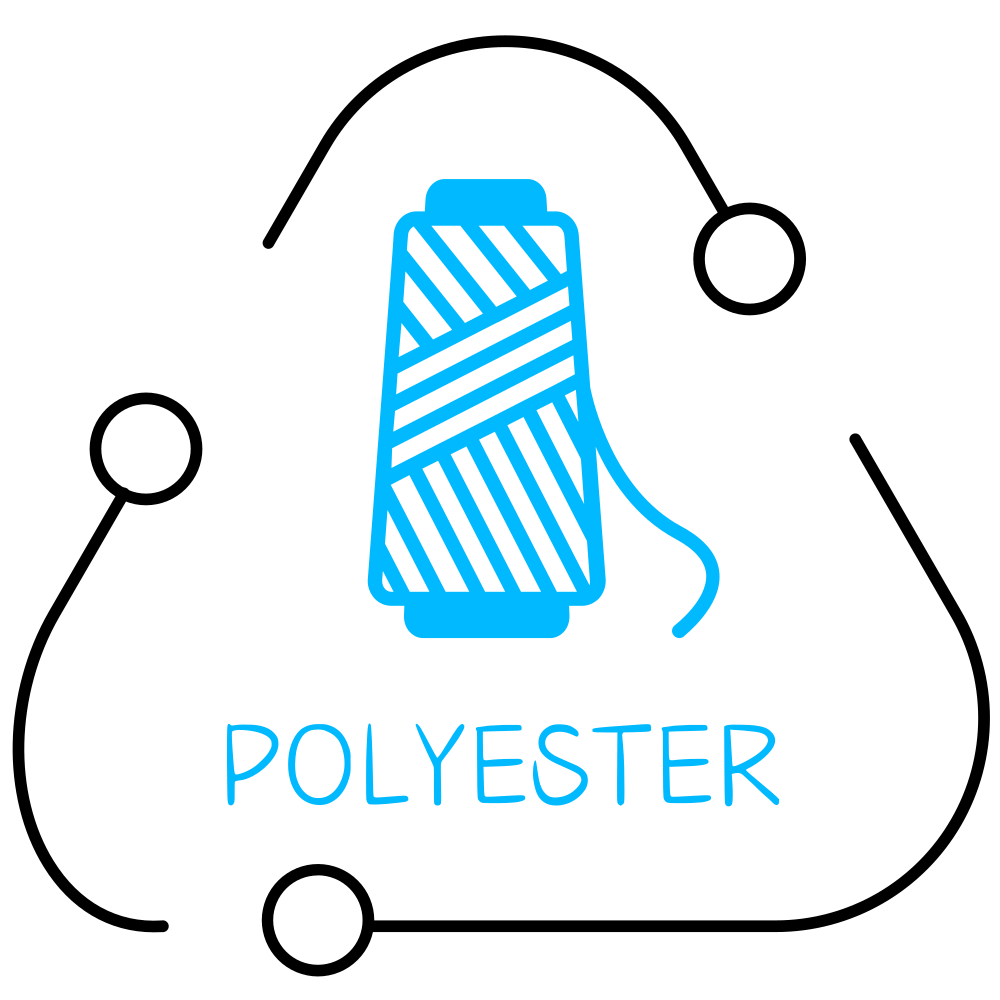
  • 150 Degrees Celsius
  • Pre-Press material for 5 seconds
  • Press for 12 seconds (High pressure)
  • Remove DTF Film
  • 2nd press for 10 seconds

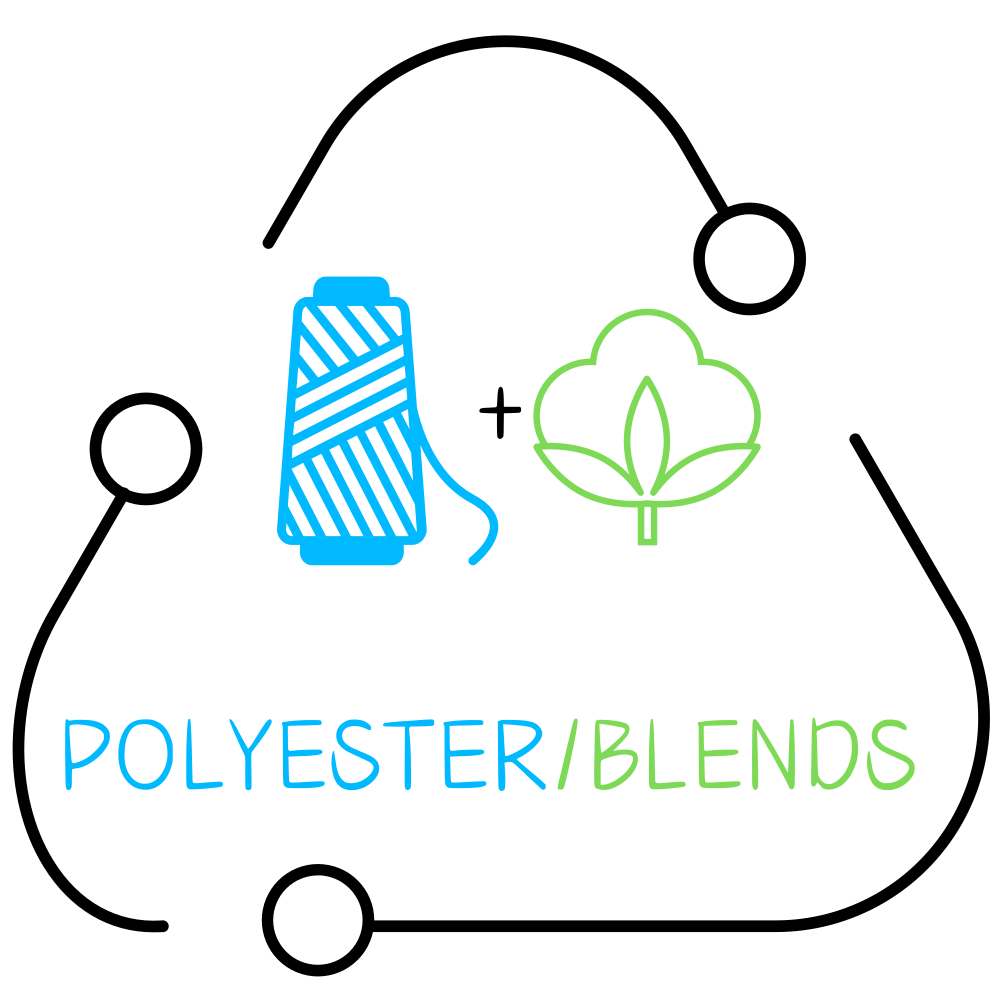
  • 120/130 Degrees Celsius
  • Press for 8 seconds (Med/High pressure)
  • Remove DTF Film
  • 2nd press for 6 seconds

  • 130/140 Degrees Celsius
  • Press for 10 seconds (Med/High pressure)
  • Remove DTF Film
  • 2nd press for 10 seconds